
Pictures


JPEG, PNG, WebP, AVIF, HEIC from iPhones, TIFF, GIF, BMP.

MediaPlace keeps every photo, video and design file your team makes in one library, finds any of them when you describe it, and shares them as pages that carry your brand.
4.9 on Trustpilot, from 596 reviews15 GB free, no card needed.We never train AI on your work.


 CR3
CR3

 PSD
PSD

 NEF
NEF




 CR3
CR3


Type "boats in the harbor" or "coffee cup on the table" and MediaPlace finds it, in photos and inside videos. Nobody has to tag anything first.
 Harbor campaign, final selects
 selects, not final
Put words in quotes to find those exact words.
Filter by date, type, format, size, rating, camera, location, orientation.
Save a search and it keeps itself up to date.

Keywords and ratings already in your files are read when you upload.
Pick a few photos and a template. In about ten seconds MediaPlace writes the words, puts the shots in order and sets the motion. Change anything you like, then post it.
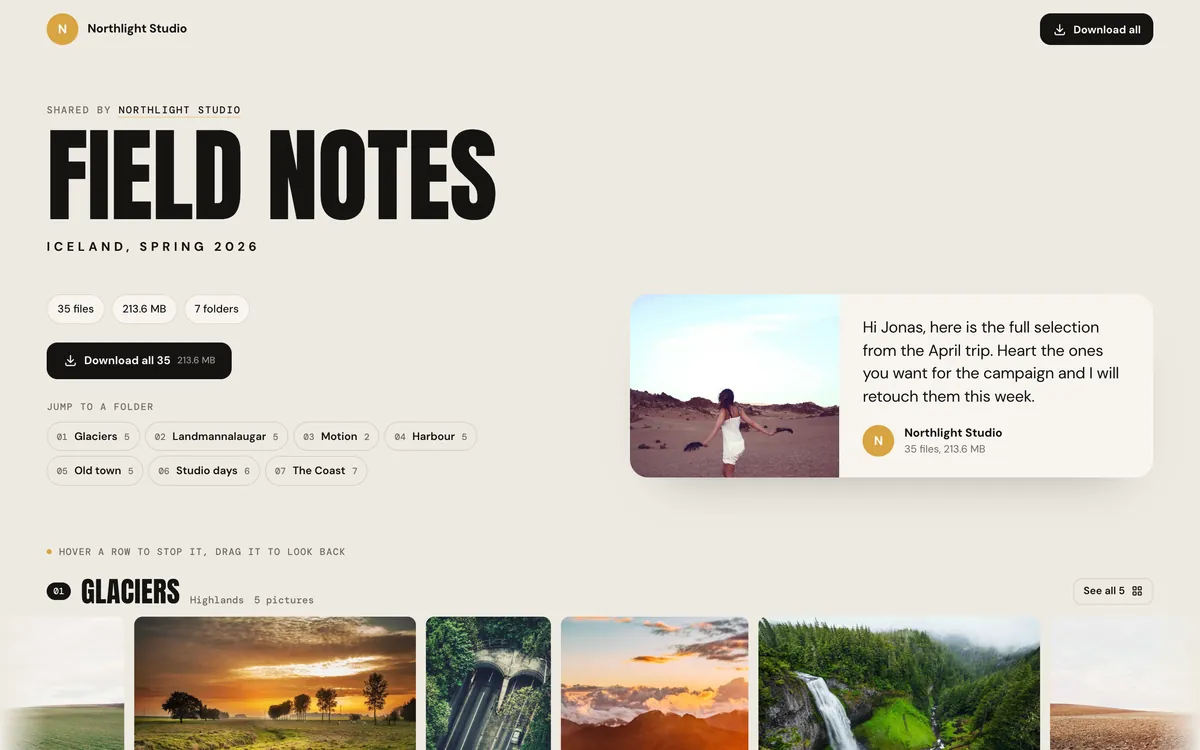
Drifting rows of pictures, one per folder.
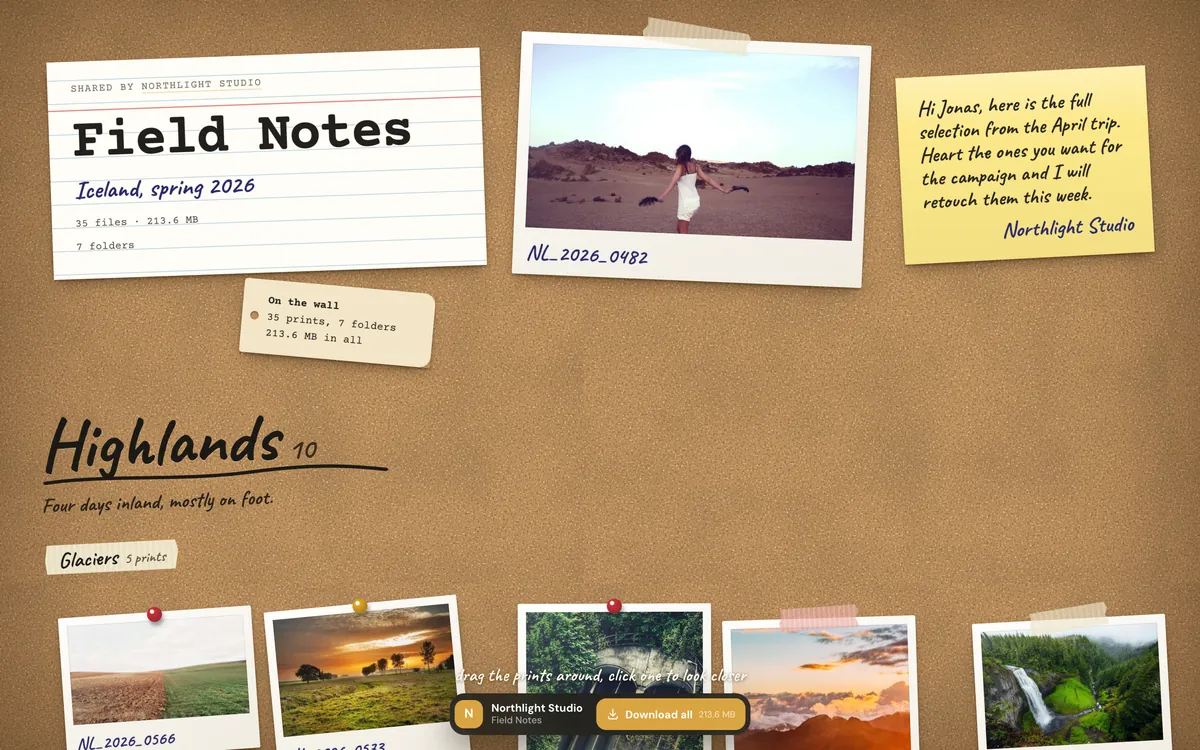
Taped prints on a board you can drag.
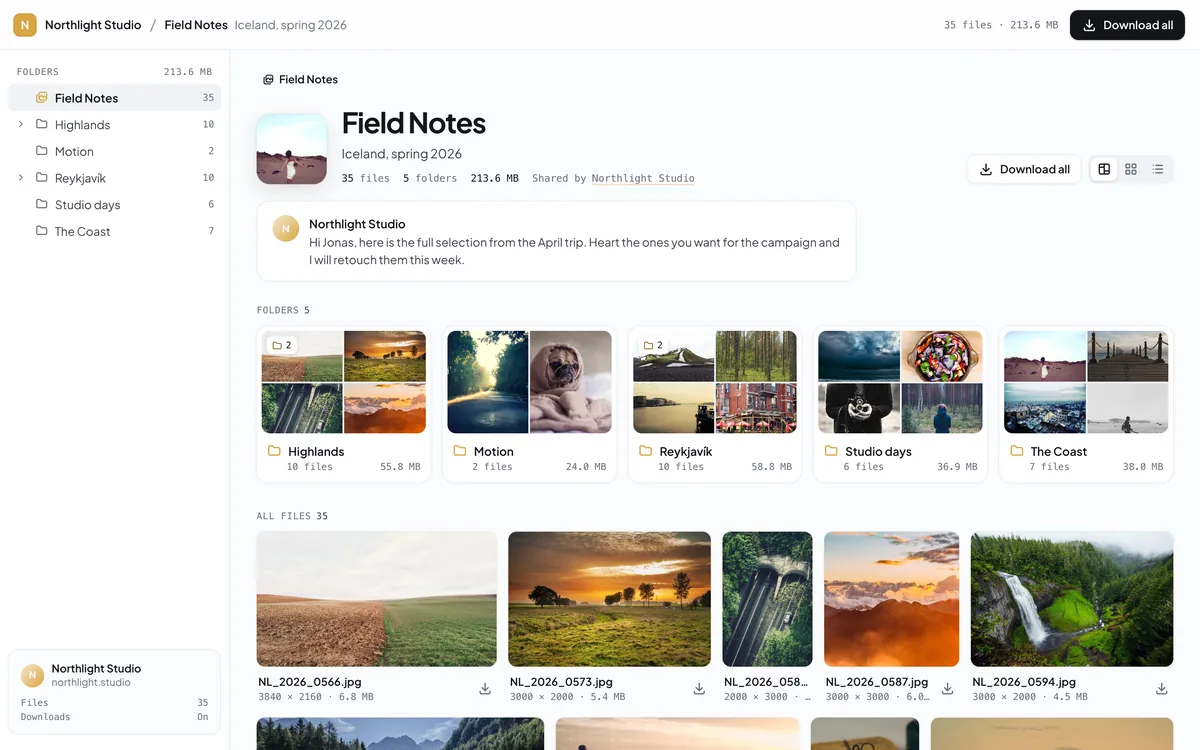
A portal with folders, grid and list views.
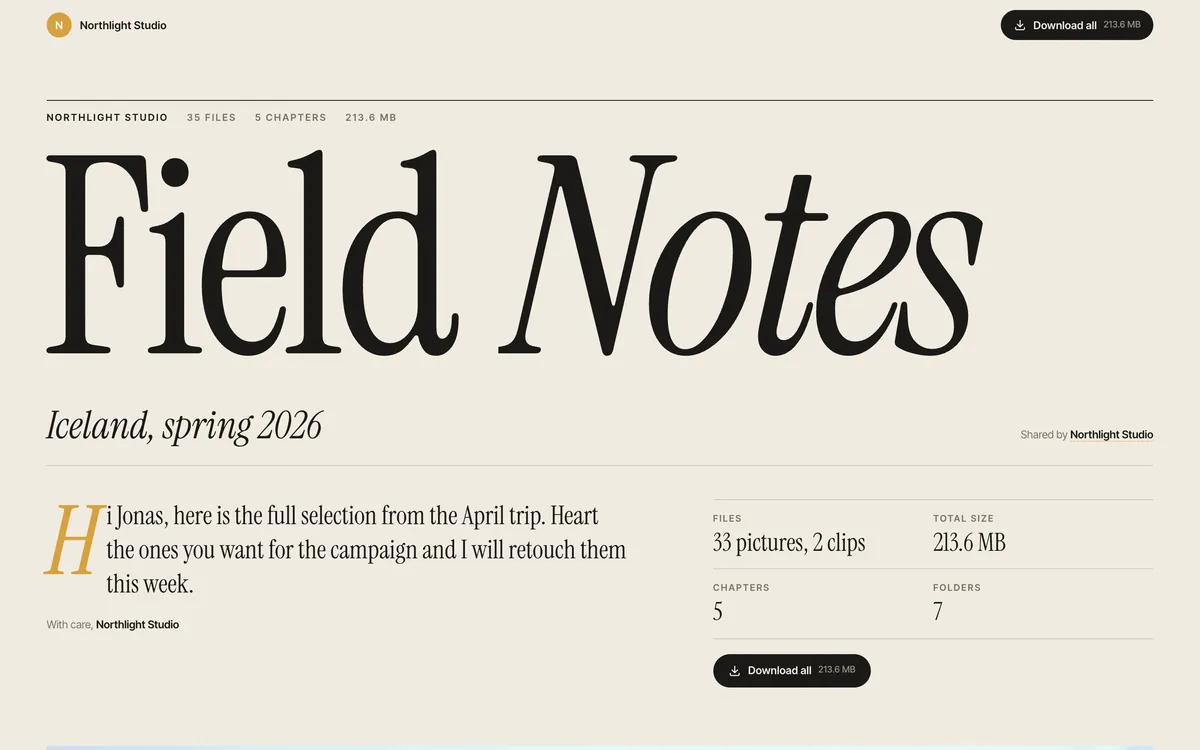
A magazine layout for finished work.
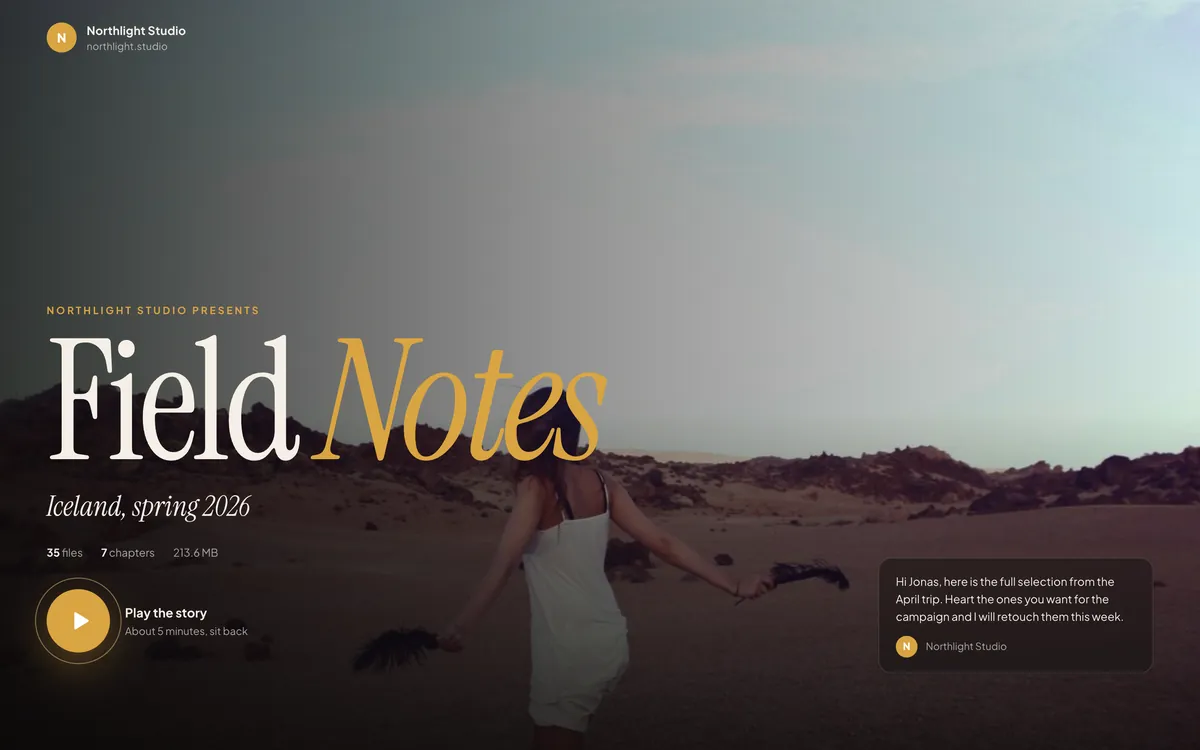
A full-screen slideshow with chapters.
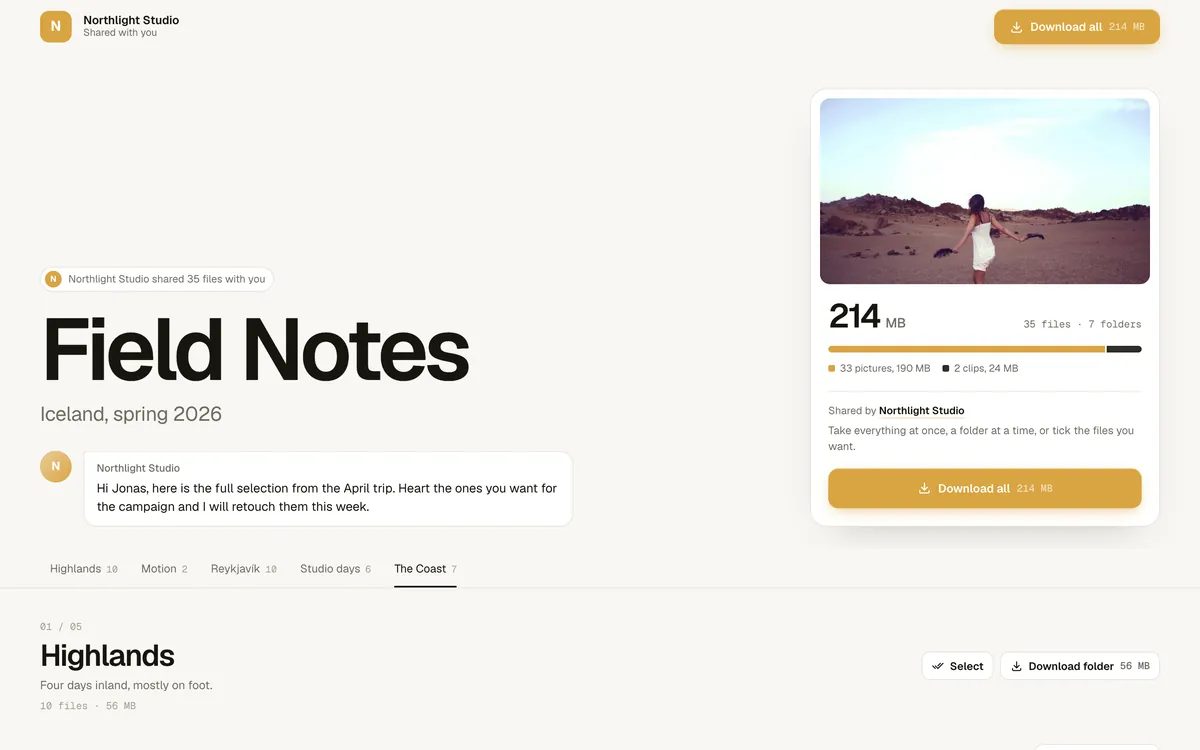
Download first, folder by folder.
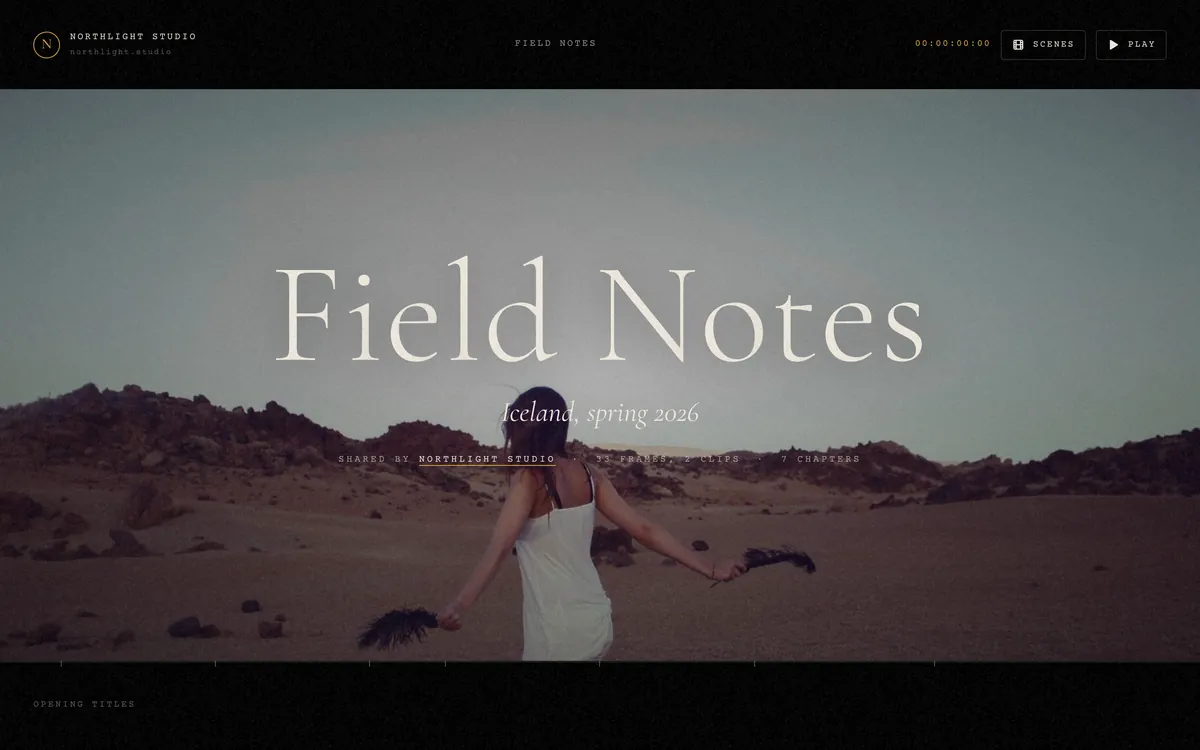
Your work as a scroll-driven film with credits.
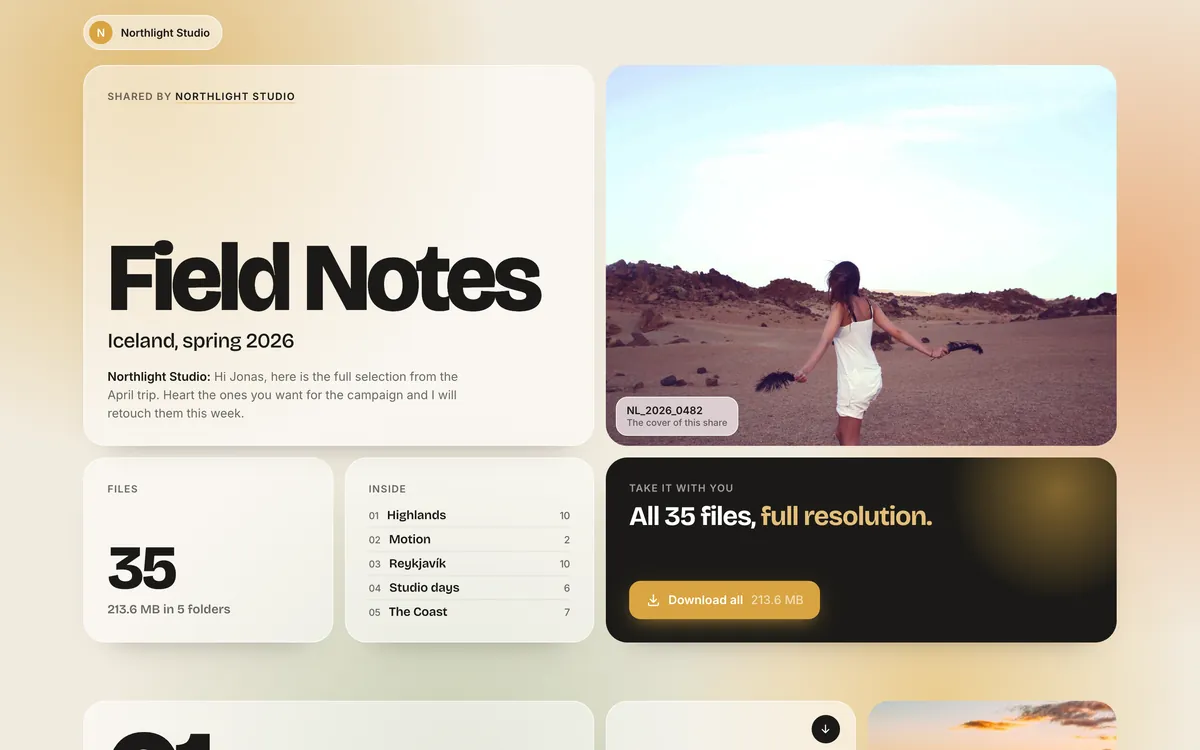
Mixed tiles, clips play in place.
 Spring campaign

Share options and let people choose right on the page. A client picks final photos, a manager approves campaign visuals, a team votes on a cover.
 Your library
1You send a link




2They pick
3Picks arrive
4Ranked in your library
ALALPeople heart or star their favorites, together or each on their own, and send them with a note. You can cap it ("choose 12 of 30").
You get an email when picks arrive, and see them ranked, per person, in your library.
See how many times each page was viewed.
They just open the link.
Need footage from a freelancer, product shots from a supplier, or logos from a client? Send a request link. They drop the files in, and they land in the folder you chose.
The logo, the brief and the raw footage, please.
One link, no account: people type their name and drop files or whole folders
Big files welcome: up to 200 GB each, sent in pieces so a dropped connection doesn't start over
Folders keep their structure
Files go straight into the folder you pick. Only your team sees them, and guests never see each other's files.
Add a title, a message, a deadline and an optional password
Optional limits on how many files or how much in total
Get an email when files arrive: one summary every 15 minutes, every hour or every day
Any share page can take uploads too: turn on "Guests can send you files"
Walk a client through the new designs, show a colleague how something is done, or show what went wrong. Record your screen and explain it in your own voice.
More about the screen recorderYour screen, your voice, and your face in a corner if you like
No time limit, and nothing to install: it runs in your browser
Pause and Stop stay with you, in a bar at the bottom of every page
When you stop, it is a file in your library, ready to share with a link
Draw on any picture in your library, and on screenshots: arrows, boxes, highlights, text, numbered steps, and blur for anything private.

ArrowDrag from where you stand to what you mean.
Try it: pick a tool and draw on the picture
Ten tools, five colors: move, resize or remove a mark until you apply it
Screenshots too: paste one anywhere in MediaPlace, or take one from the Add menu
Save as a copy or replace the file. A replaced original waits in the Trash.
Part of Edit, on every plan, next to Crop, Resize and Watermark
Send a video and get every note pinned to the moment it is about. No more "at 0:42, the bit with the cup".
Click a note or a dot on the line
No account: they open the link, type their name once and write
Pinned to the moment: they pause where something should change, so nobody types timecodes
Answer a note, and tick it when it is fixed
An email when new notes arrive, with each note and its moment
One page with your logos in every format, your colors to copy, your fonts, photos and guidelines. Partners, press and agencies take what they need, and stop asking for the logo.
Logos, colors, fonts and photos for anyone writing about us or working with us.
#2F6FED#14151A#F25C3B#F4F1EALogos in every format: SVG, PNG at the size they need, JPG on white, each on the background it's made for
Colors to copy as HEX, RGB and CMYK, and your fonts drawn in themselves
Never out of date: replace a file in your library and the page has the new one
On your own domain, like brand.yourcompany.com, on every paid plan
Every plan includes its team members: 3 on Pro, 15 on Team, unlimited on Studio. Colleagues, clients and partners who only look and download are always free, on every plan.
Campaign photos, product videos, layered design files, fonts and animations. Everything gets a real preview, on any computer, with nothing to install.
JPEG, PNG, WebP, AVIF, HEIC from iPhones, TIFF, GIF, BMP.
Straight from the camera, from every major brand.
Camera, lens and exposure details on every shot.
Search finds a video by what happens inside it.
 Summer Edit
Previews of Figma, Sketch, XD, Procreate, Affinity, InDesign, Keynote and Krita files.
Adobe ASE and ACO swatches. Click any color to copy it.
Animations that play right in the grid.
PDF with real pages you can read and select, Markdown, JSON, CSV.
MediaPlace reads the prompt, model, seed and settings from Midjourney, ComfyUI, Automatic1111, Fooocus, InvokeAI and NovelAI files.
Drag the timeline rail to jump through years of work.
 Press 0 to 5
Star ratings with the 0 to 5 keys.
Folders, collections and smart collections.
Titles, captions, copyright and keywords read from your files when they arrive, editable and searchable.
IMG_2041.CR3 is already in this folder. Handled your way:


 24 selected
IMG_4410.CR3, IMG_4411.CR3, IMG_4415.CR3, IMG_4420.CR3, ...
Everyday edits live right next to your files. Nothing is overwritten unless you say so: edits save as a copy, and a replaced original waits in the Trash.
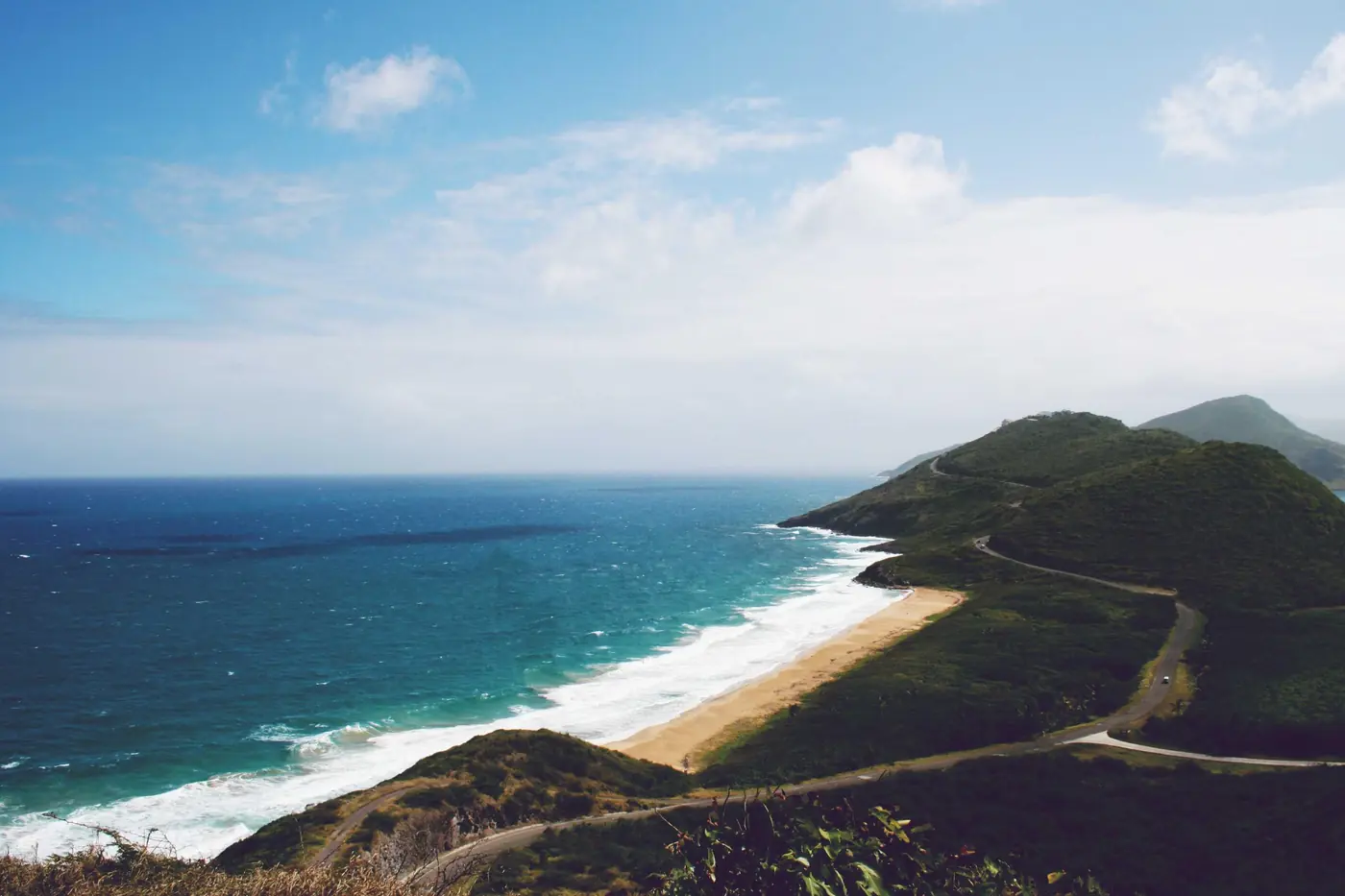 BeforeAfter
Crop to any shape, resize, rotate, adjust light and color, watermark with text or your logo, convert to JPEG, PNG or WebP with a live before and after and the new file size.
Develop to JPEG or 16-bit TIFF, with white balance, highlight recovery and exposure.
Trim on a timeline, fade in and out, resize up to 4K, convert to MP4 or WebM, pull the soundtrack out as MP3 or WAV.



Rename hundreds of files with patterns, convert, resize, compress or watermark a whole selection at once.
Save a recipe and download any selection through it. Strip camera data and GPS, add your copyright.
Recolor SVG icons and Lottie animations, edit text and JSON files.

Point it at up to 9 reference pictures from your library.
Pictures come out transparent. Clips come out transparent, on a green screen or as a matte.
Sharpen pictures, and take video up to 4K.


 Prompt saved
Create a picture from words, up to 4K, and it lands in your library with its prompt.

credits this month
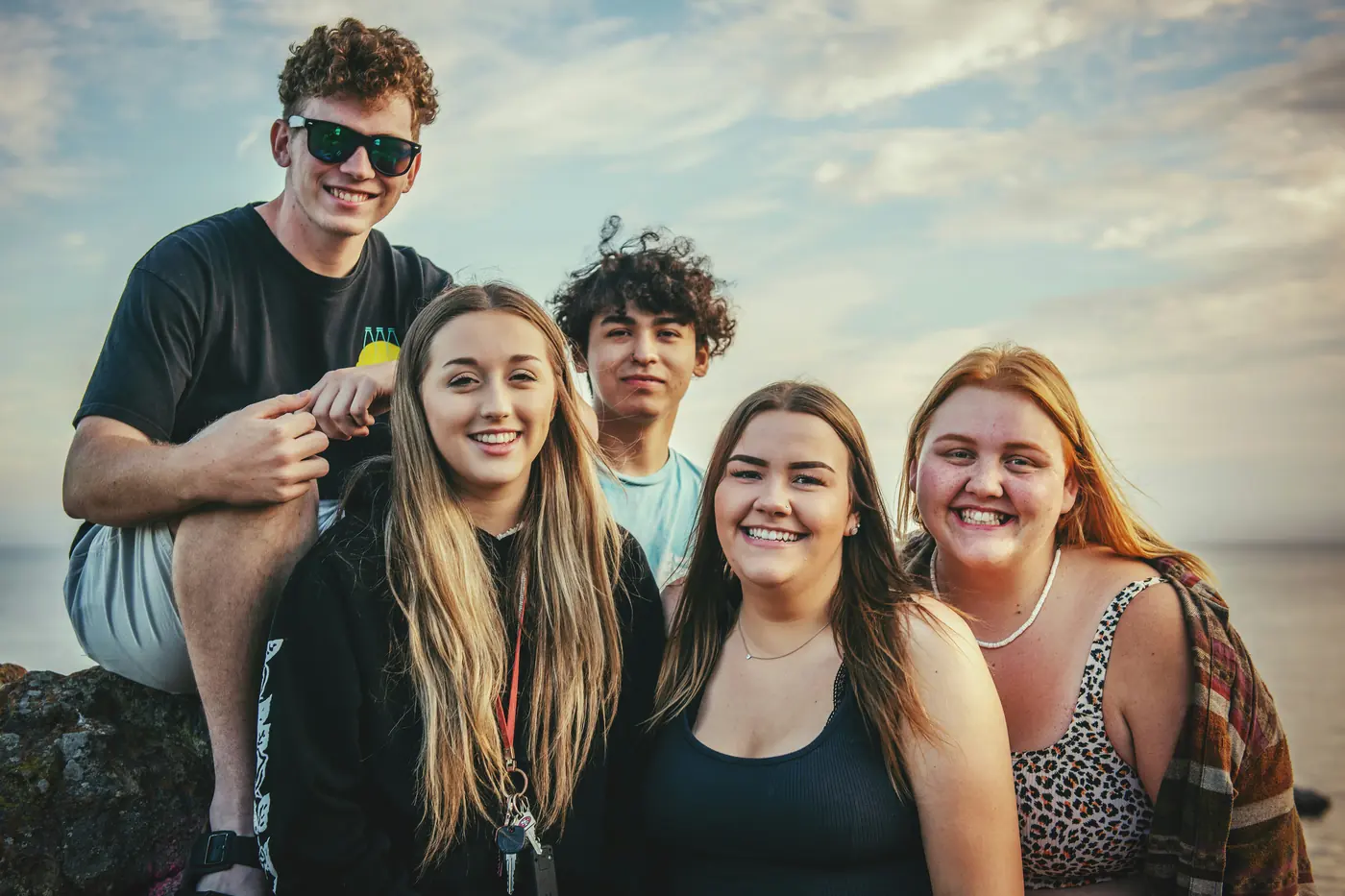
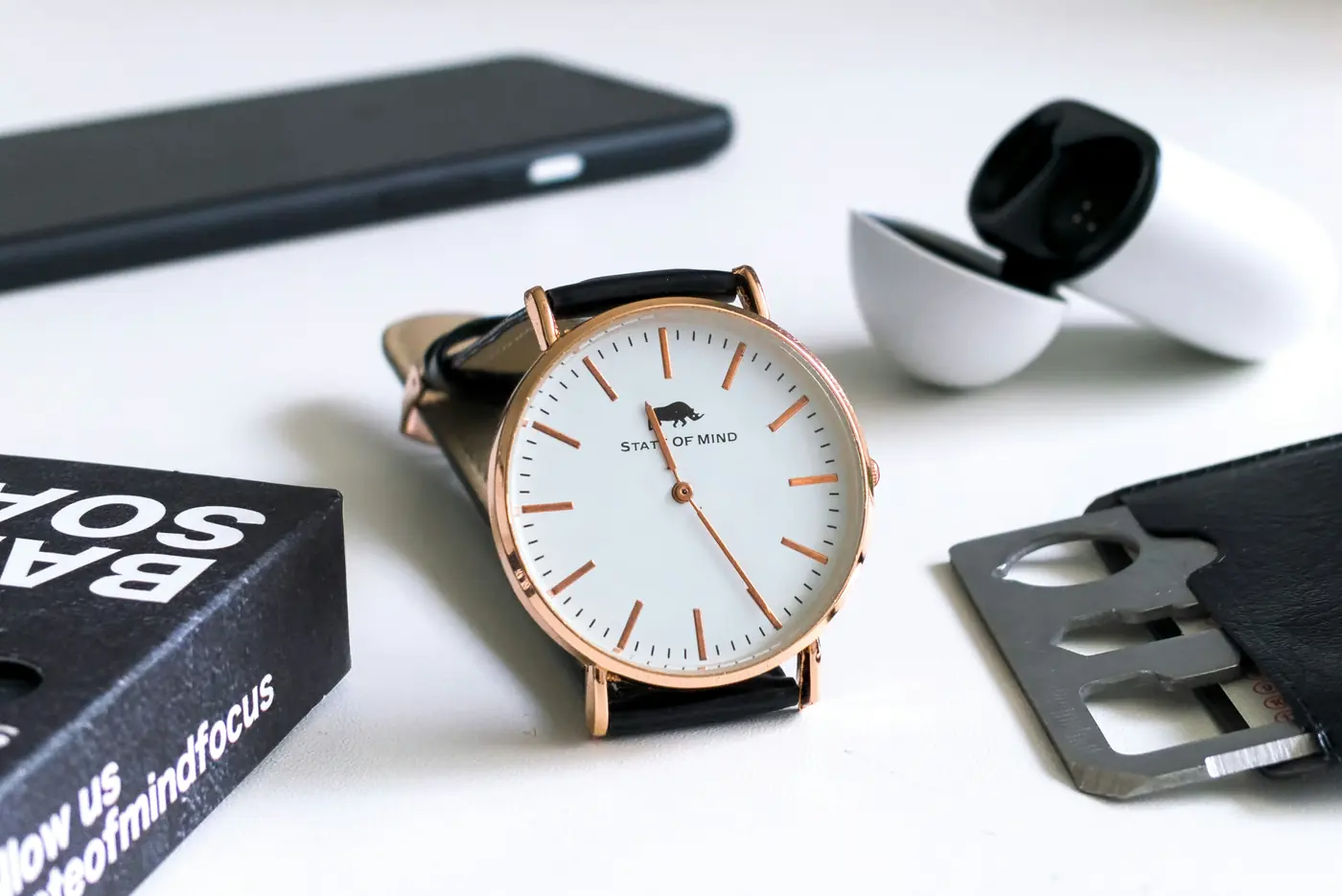
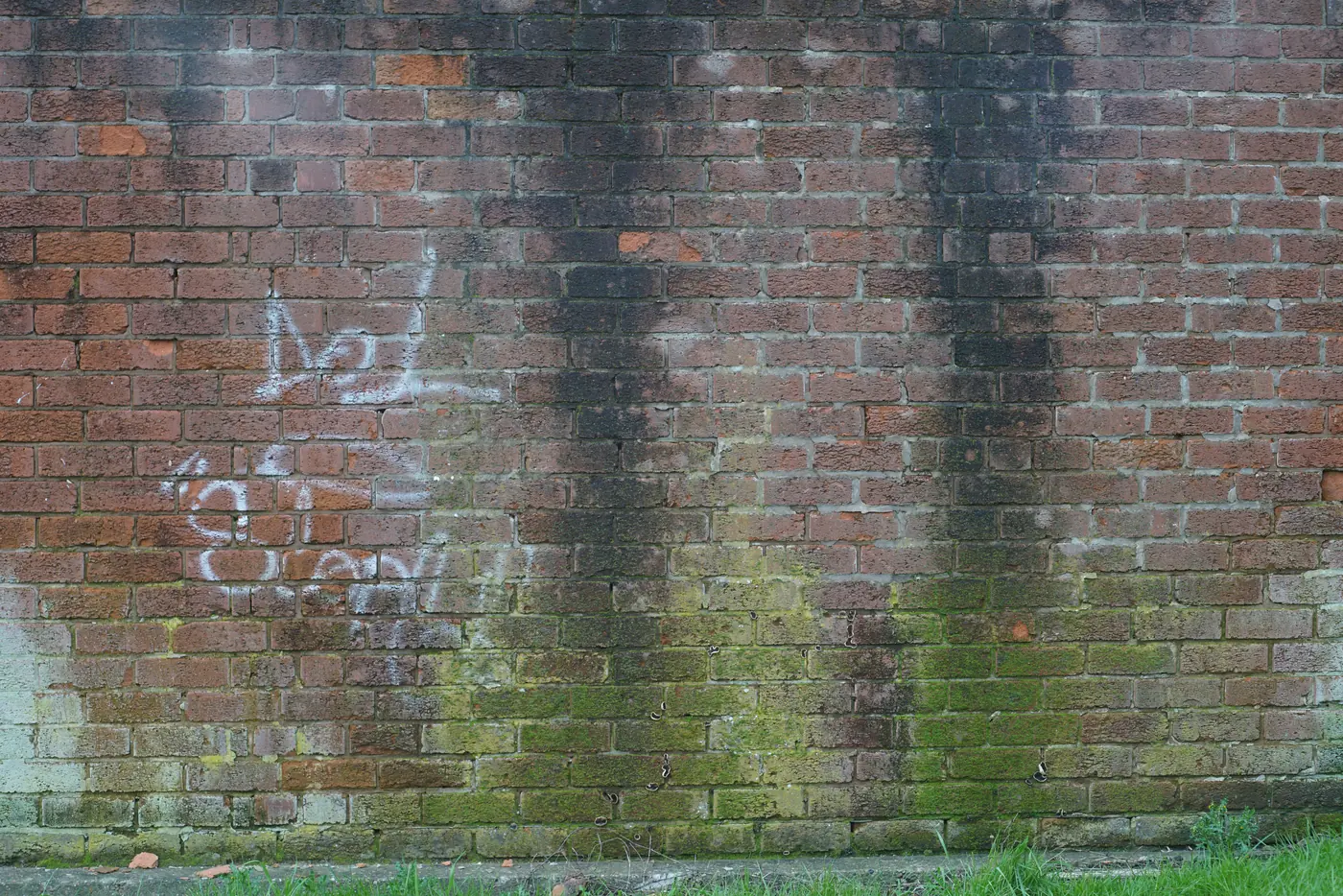
AI image models work on small pictures, so a big photo comes back shrunk or redrawn. Touch up edits just the detail you box, at its real pixels, and puts it back into the full photo.
 9000 × 6000, 54 MP

 BeforeAfter
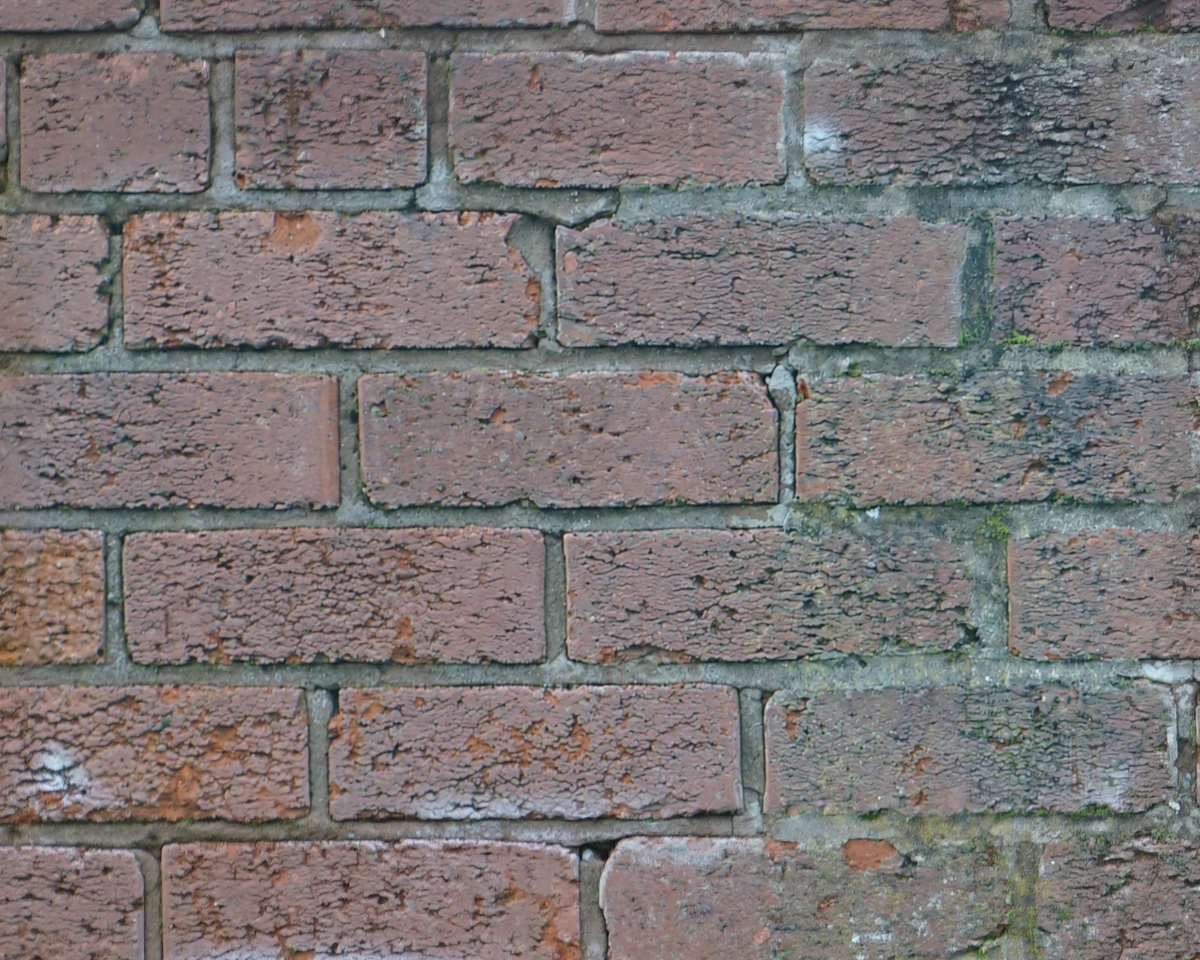
The box, at its real pixels. Everything outside it is the original photo.
 8320 × 5559, 46 MP
 BeforeAfter
The box, at its real pixels. Everything outside it is the original photo.
 7952 × 5304, 42 MP
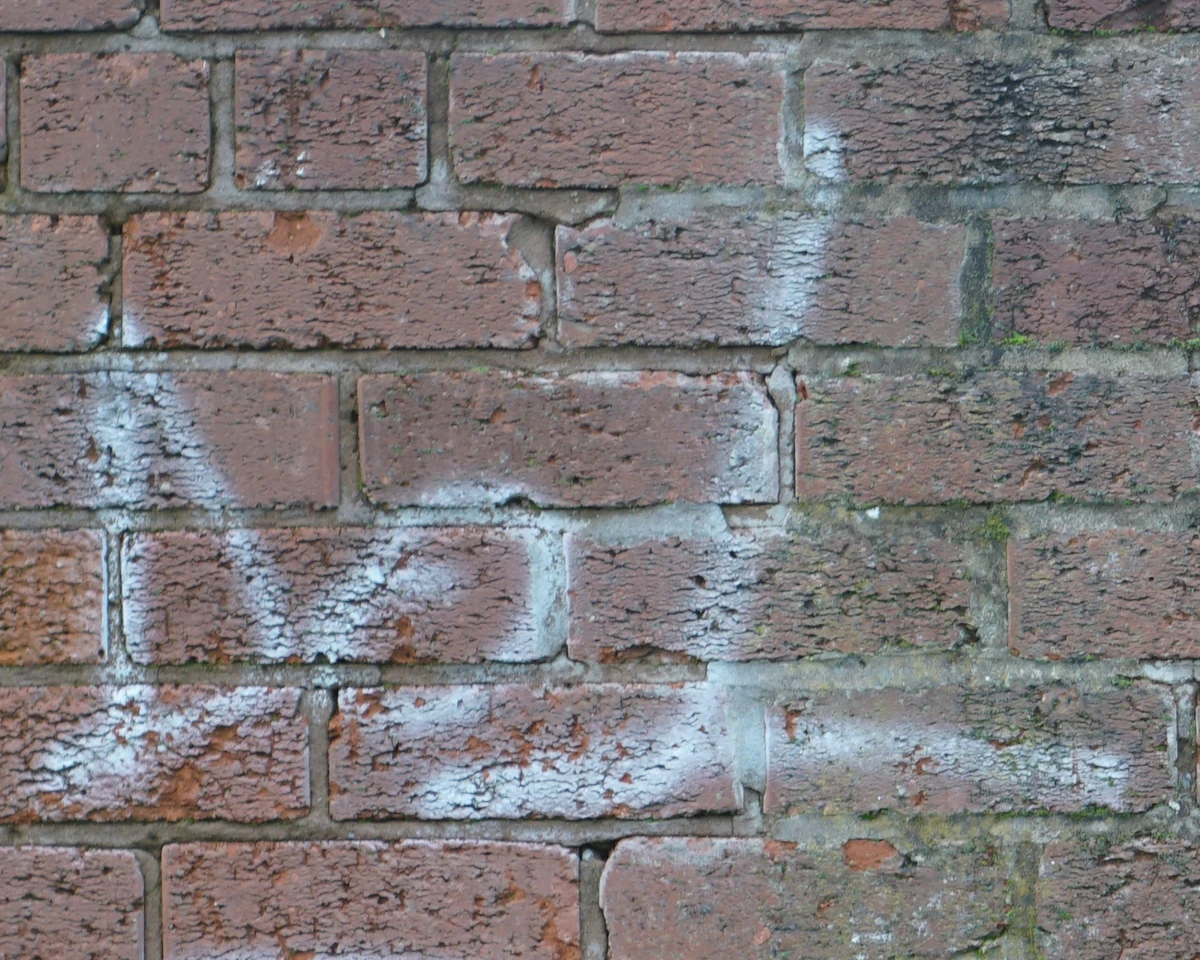 BeforeAfter
The box, at its real pixels. Everything outside it is the original photo.
Move across the area to see before and after
Photos of any size, 60 megapixels and up. The photo never gets smaller.
Only the box changes. The rest of the photo is never sent to the AI.
Say what to fix: a stain, a sign, a closed pair of eyes, or pick a ready fix
25 credits a touch-up, and your first one is free. Every plan includes credits.

Files up to 200 GB on every plan.
Uploads survive a closed tab: pick the file again and it resumes.
A name that is already taken? You choose: keep both, replace or skip.
Download any selection as a zip, folders included, straight from your browser.
It's in our terms.
Files are never public. Each one is served through a temporary address.
Pages you share live on their own domain, apart from your account.
If a payment fails, you keep full access while it retries. After that your library is read-only for 30 days: you can still view and download everything. Only then are the files beyond your plan deleted.
And change your mind within 14 days.
They store files, but they're folders, not a library: design and camera files often show no preview, search knows only file names, and there's nothing to present work with.
Delivers galleries, but it isn't the home of your whole library.
Moves files once, then the link expires.
Built for video review, not for a searchable library, and it charges per member.
A strong team library, but it doesn't preview camera RAW.
Your library and your sharing in one, priced by storage.
We put together a plan around your library and your team.
Plans differ in storage, members, credits, brand pages and domains. On every paid plan, share pages have no MediaPlace branding: no MediaPlace logo and no invitation to join, only your brand.
Bought credits never expire.
No. They open a link, and can pick, download or upload without signing up.
Yes, up to 200 GB each, and whole folders.
Yes, on every page you send, on every plan.
If your library fits the plan you move to, nothing changes. If it holds more, it goes read-only for 30 days: you can still view and download everything, and we email you every week. After that we keep as much as the plan holds, starred files first, and delete the rest for good.
Never. It's in our terms.
Up to 200 GB, on every plan, including Free.
No. Each plan has one price and includes its team members: 1 on Free, 3 on Pro, 15 on Team, unlimited on Studio. Viewers are always free.