Any AI editor
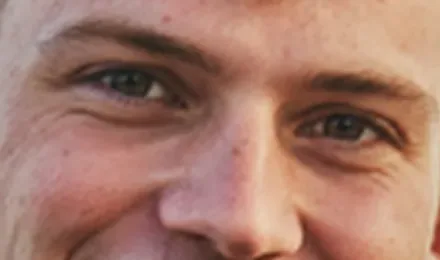
Shrunk first, soft after
The whole photo is cut down to a few megapixels before the edit, so every detail comes back soft.

AI image models work on small pictures, so a big photo comes back shrunk or redrawn. Touch up edits just the detail you box, at its real pixels, and puts it back into the full photo.
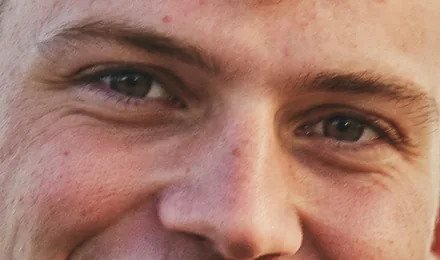
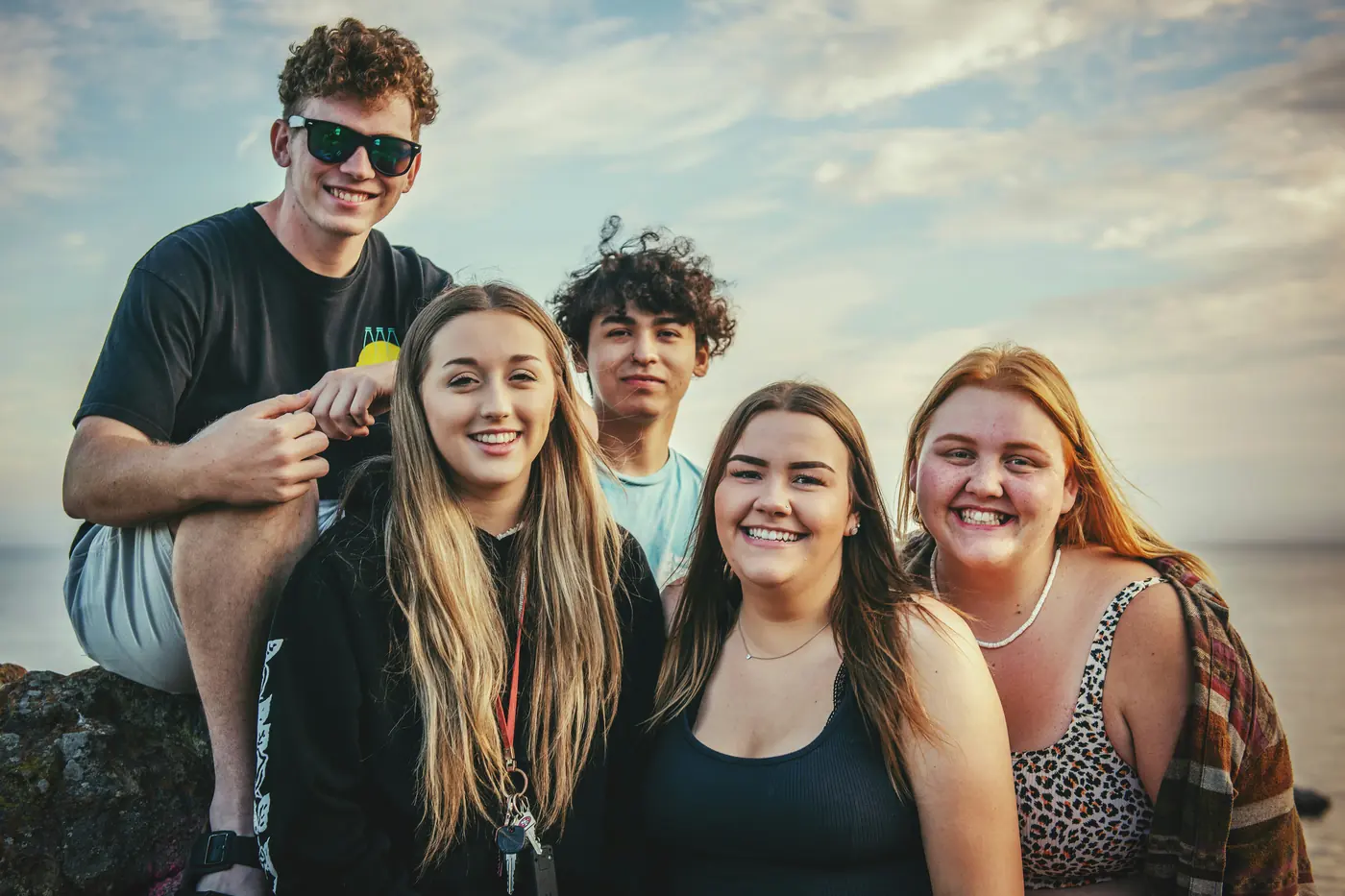 9000 × 6000, 54 MP
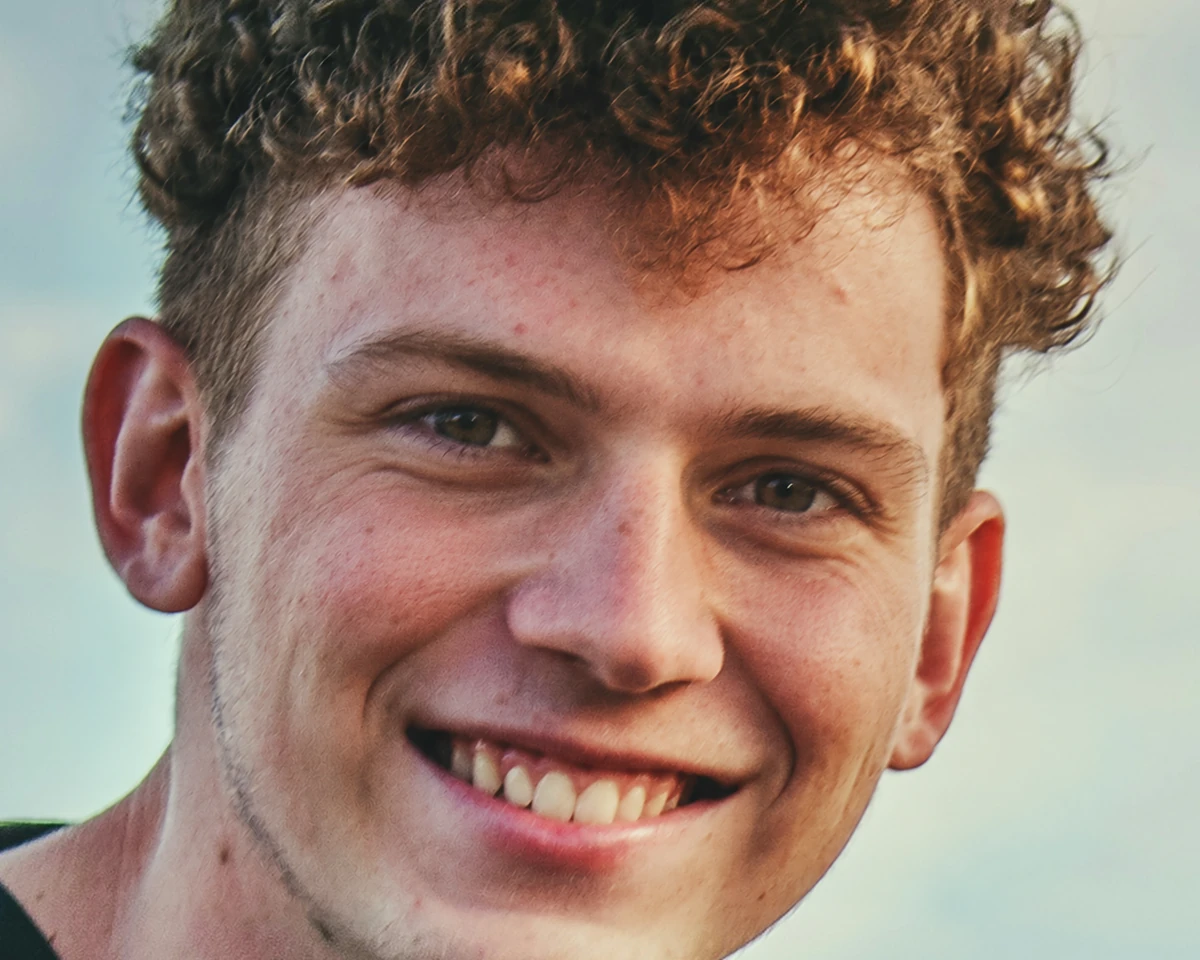
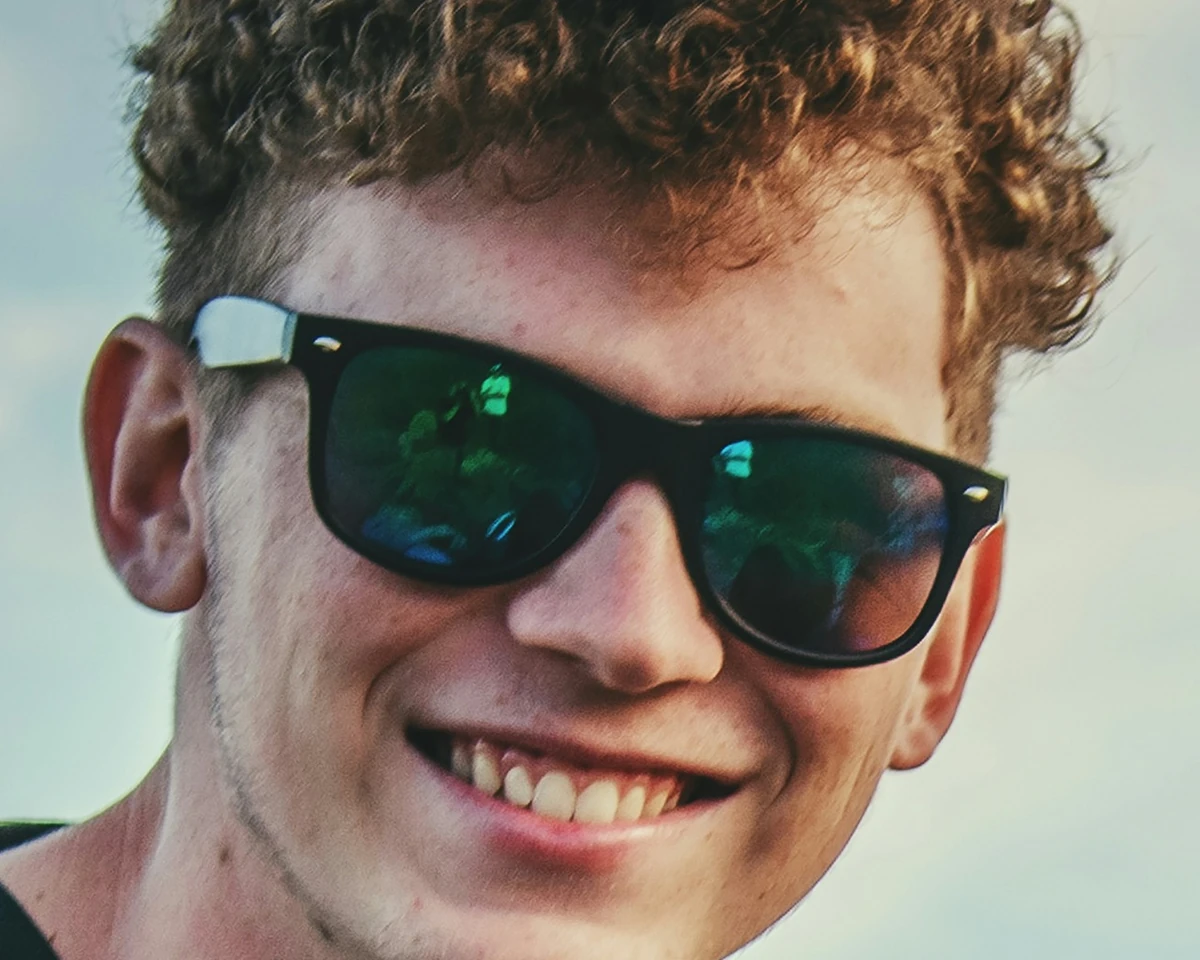 BeforeAfter
The box, at its real pixels. Everything outside it is the original photo.
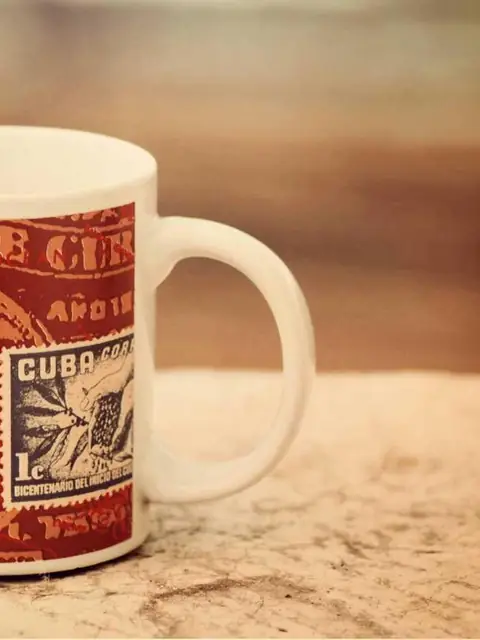
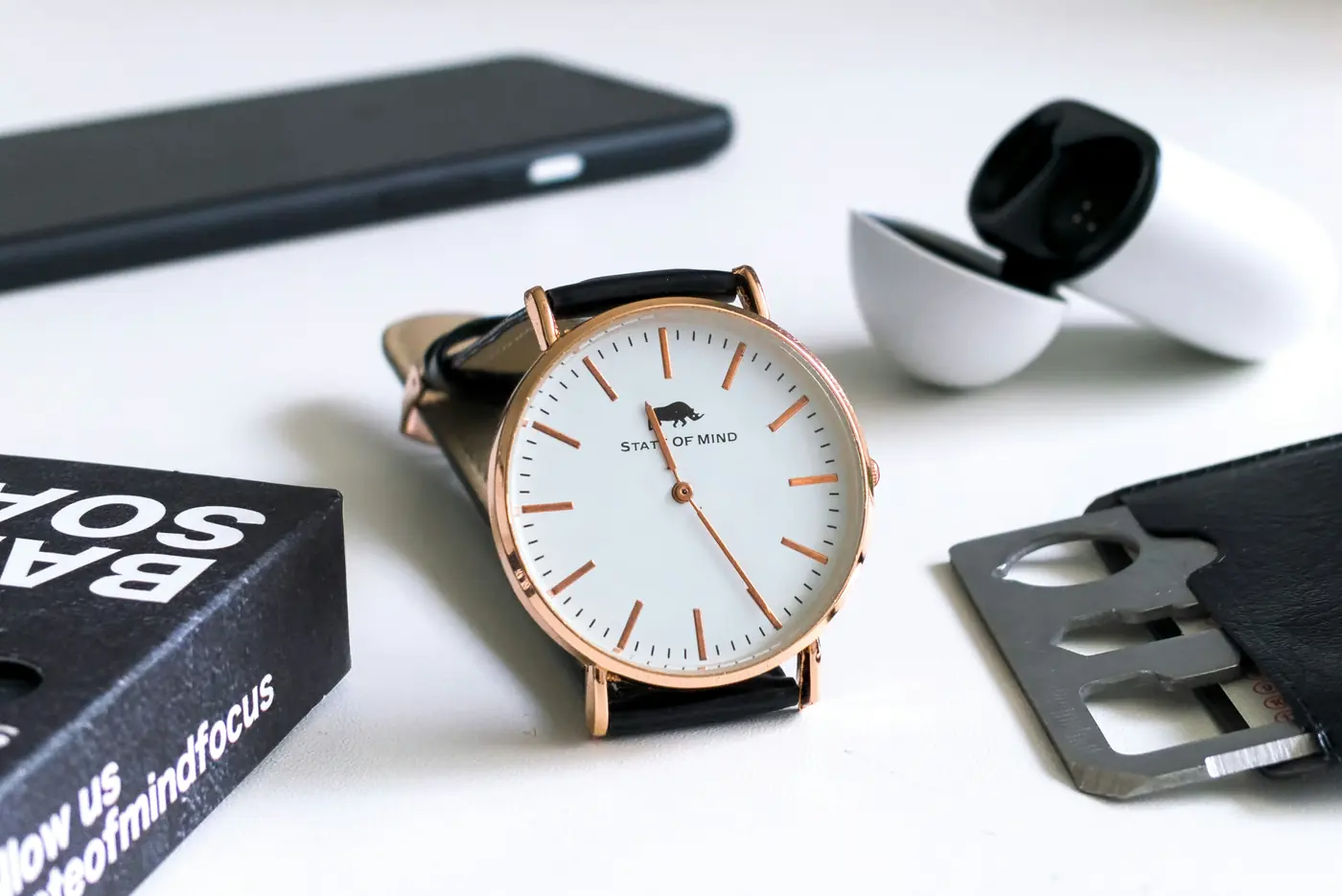 8320 × 5559, 46 MP
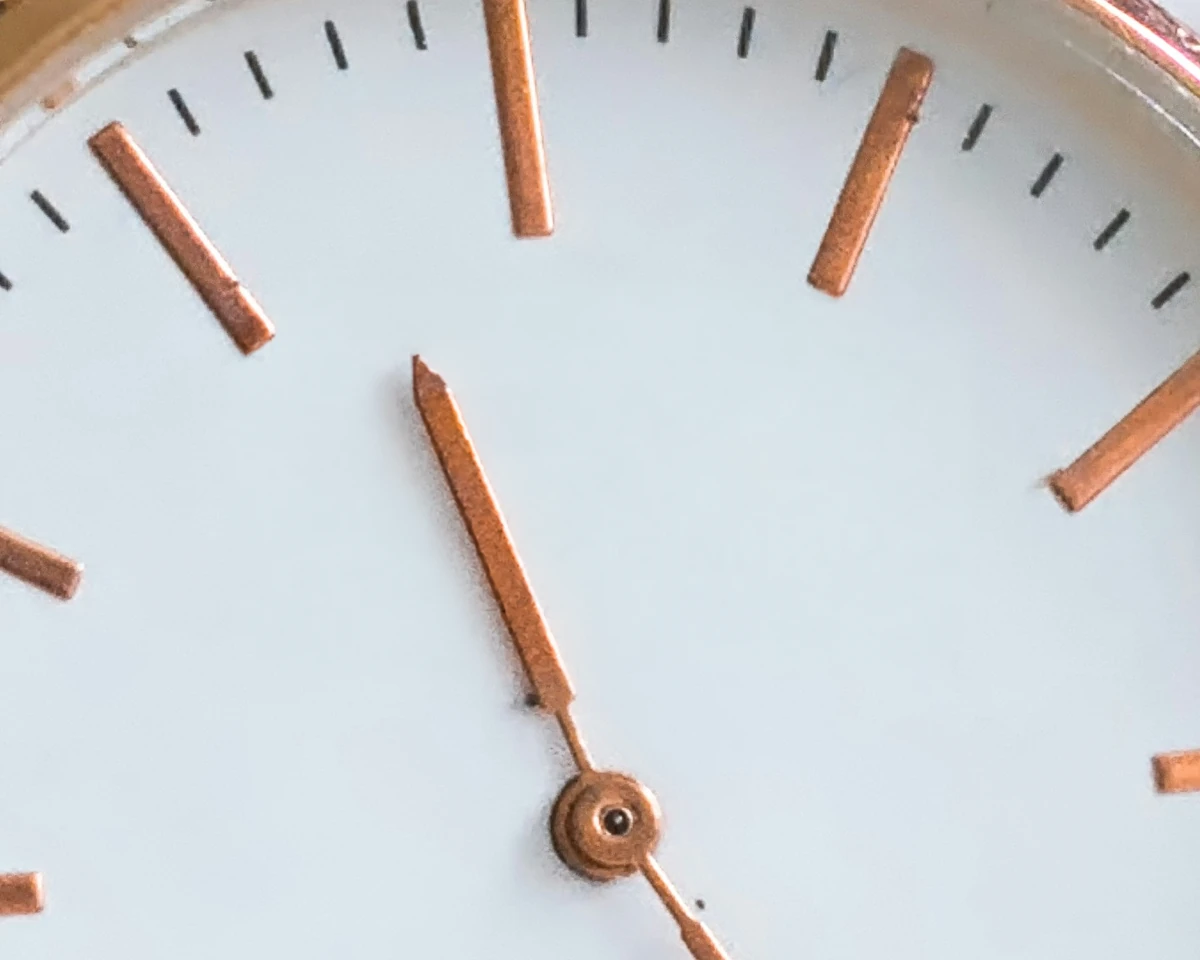
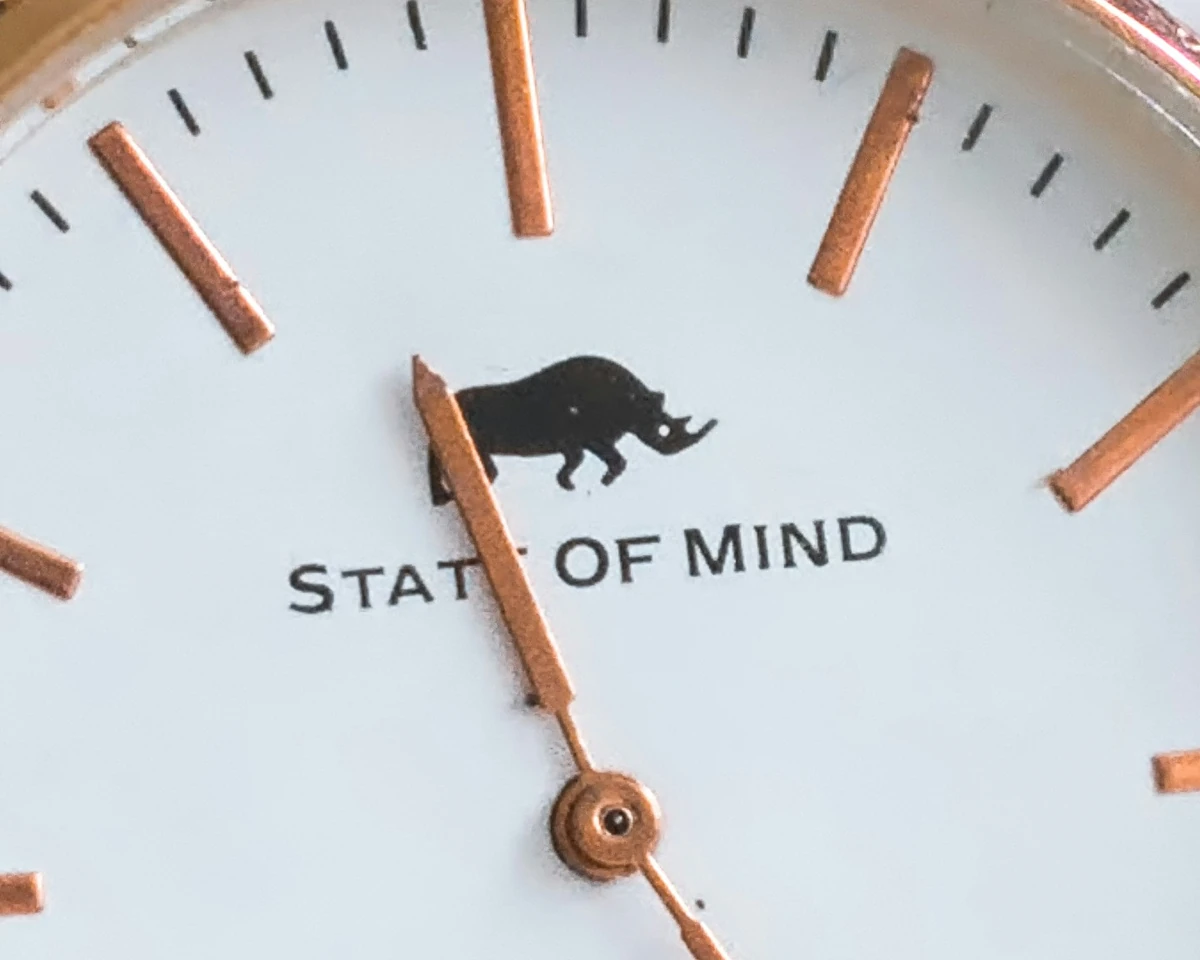 BeforeAfter
The box, at its real pixels. Everything outside it is the original photo.
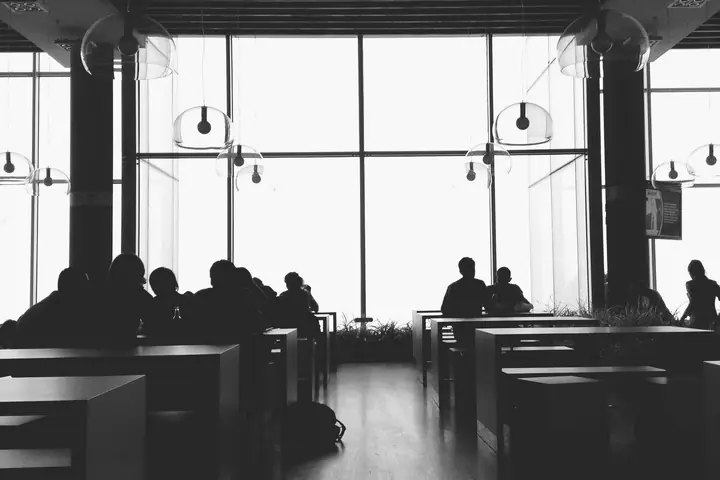
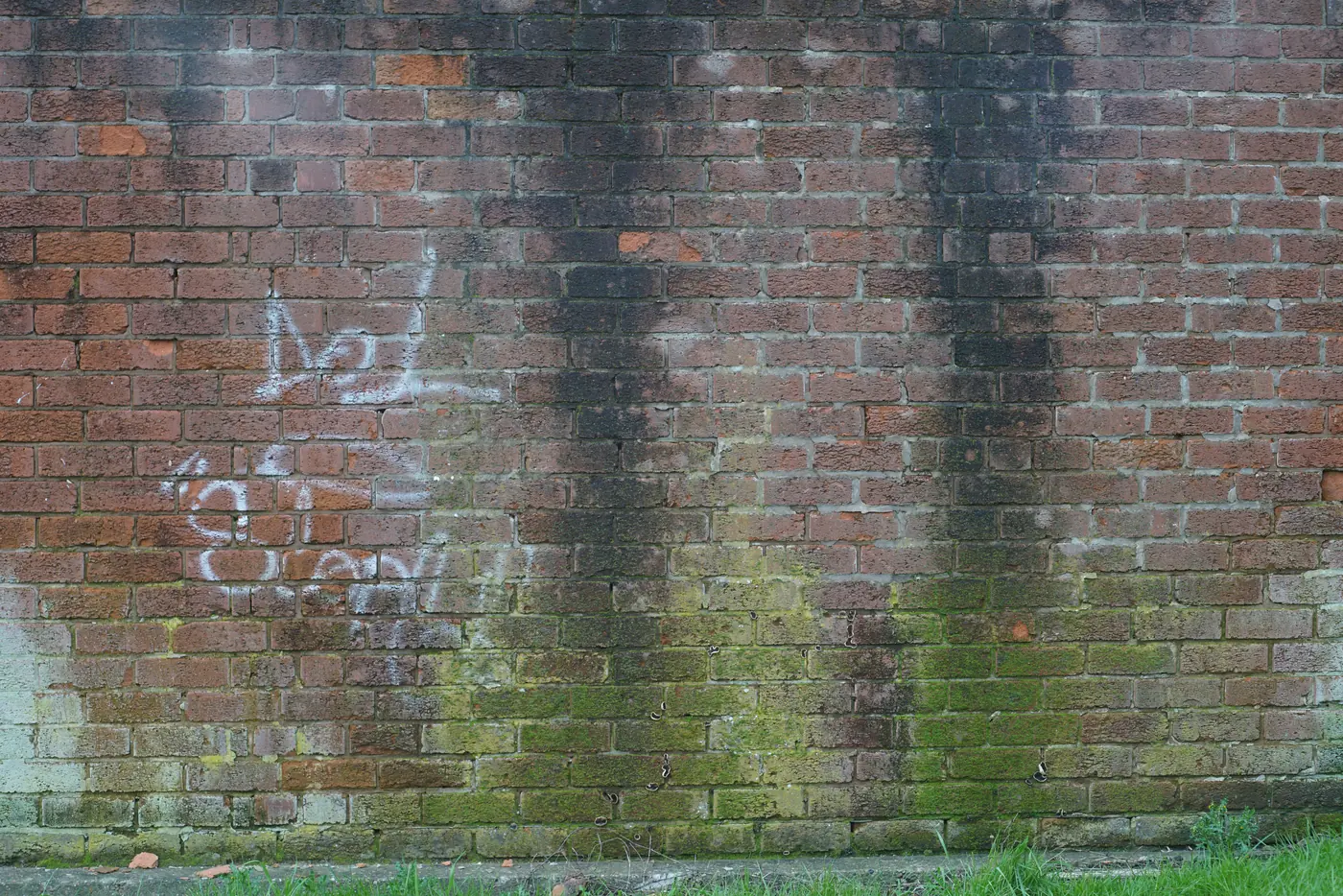 7952 × 5304, 42 MP
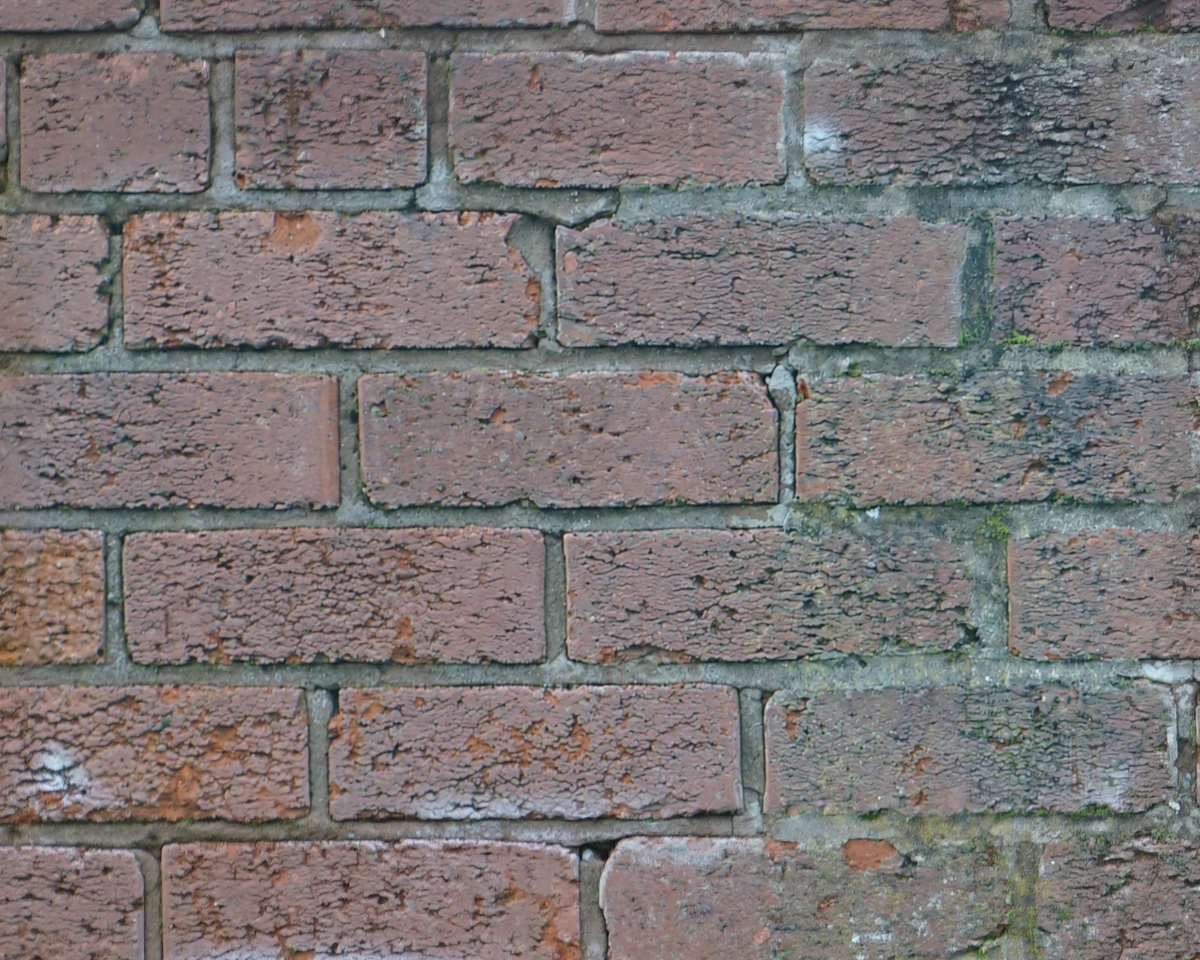
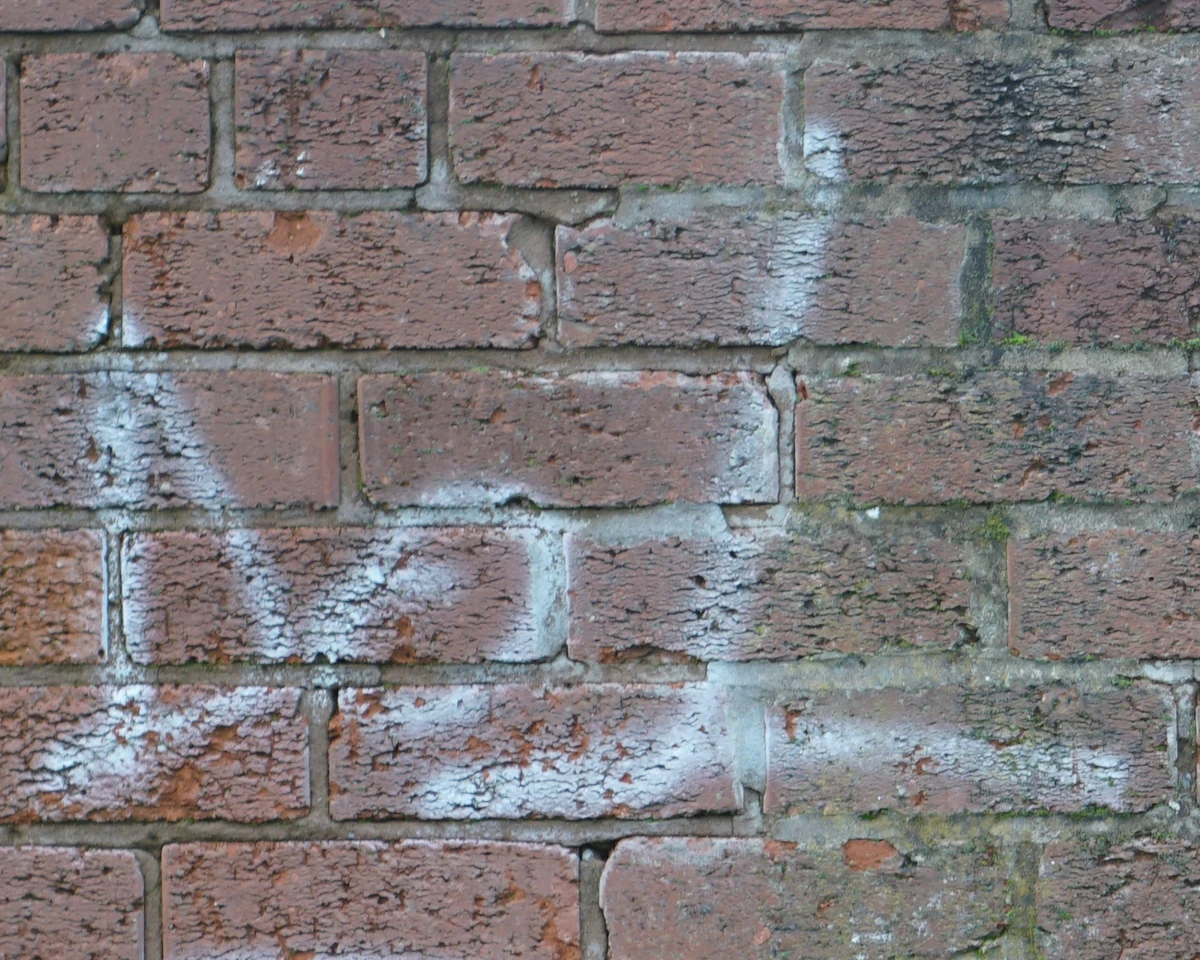 BeforeAfter
The box, at its real pixels. Everything outside it is the original photo.
Move across the area to see before and after
The whole photo is cut down to a few megapixels before the edit, so every detail comes back soft.
The box goes to the AI at its real pixels and comes back into the photo, which stays 54 megapixels.
Open the photo, press Edit and choose Touch up. A click puts a box on the spot; drag its corners to size it. Zoom in as far as you need.
Describe the change in a few words, or pick a ready fix. Natural changes only what you asked; Strong also retouches around it.
See each touch-up before and after at full size. Box the next detail while the first one works, then save once, as a copy or over the file.
Say what to change the way you would to a retoucher. Anything in the box, not only faces.
Keep the photo everyone likes, at the size you shot it, and fix the one thing that would have ruled it out.
Someone blinked, or kept their sunglasses on. Fix that face, keep the shot.
A scratch, a speck of dust or a logo on a high-resolution product shot.
A sign, a cable or a tag on a wall, in a photo made to print large.
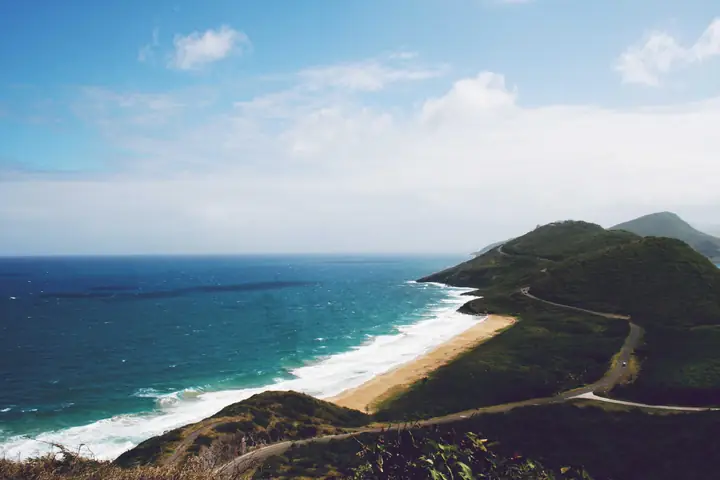
Your biggest files, where every other tool asks you to shrink them first.
AI image models work on pictures of a few megapixels. Give them a 60 megapixel photo and they shrink it first, so what comes back is smaller, softer, and often redrawn in places you didn't ask about. Touch up sends only the area you box, at its real pixels, and puts the result back into your full photo.
No. Only the area you box is sent to the AI and changed. The rest of the photo is not touched and keeps its full size. When you save, you pick the format and the quality, as with any edit.
Any size: 60 megapixels and more. The box can be up to about 1.6 megapixels, enough for a face with room around it or a label, and you can box as many details as you need, one after another.
Whatever you describe in the box: a stain, a scratch, a sign, a cable, a closed pair of eyes. For faces there are ready fixes too: soften wrinkles, remove eye bags, open closed eyes, whiten teeth, remove shine, tidy stray hairs and even skin.
25 credits a touch-up, and your first one is free. Every plan includes credits every month, and a touch-up that doesn't work gives its credits back.
Yes. Before you save, compare each touch-up before and after at full size, and remove any you don't like. Save as a copy keeps the original as it was. Replace the file puts the original in the Trash first.